YouTube Video Downloader
Save YouTube videos as MP4 or MP3 in HD (1080p, 2K, 4K) – Free on all devices
Download YouTube Videos Online
No registration required. Your downloads stay private.
How to Download YouTube Videos
Save any YouTube video as MP4 or MP3 in just three simple steps, no app or signup needed.
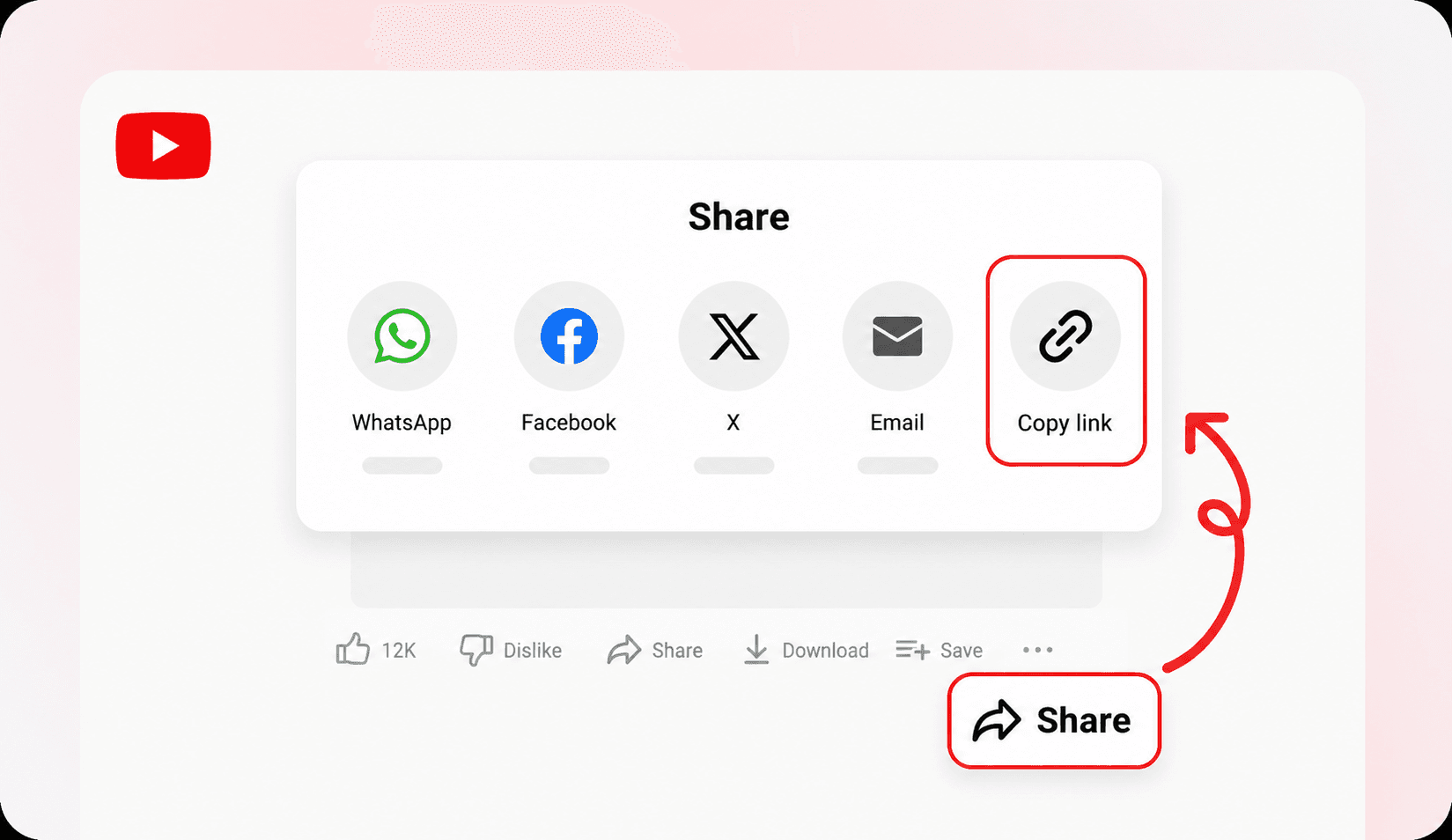
Copy Video URL
Open YouTube, tap Share under the video, and select Copy Link (youtu.be short links work too).
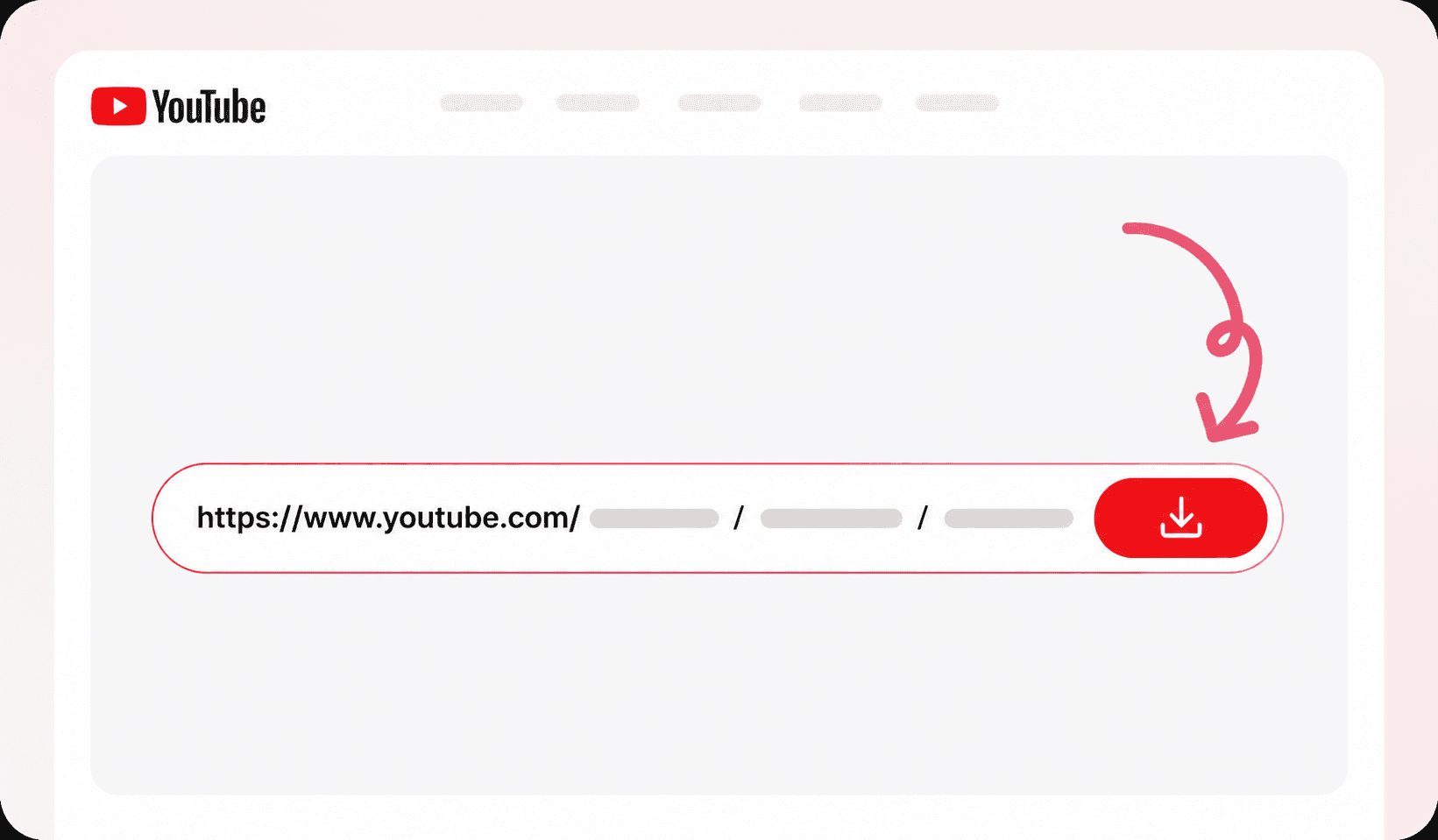
Paste the Link
Paste the copied URL into the input box above and click the Download button.
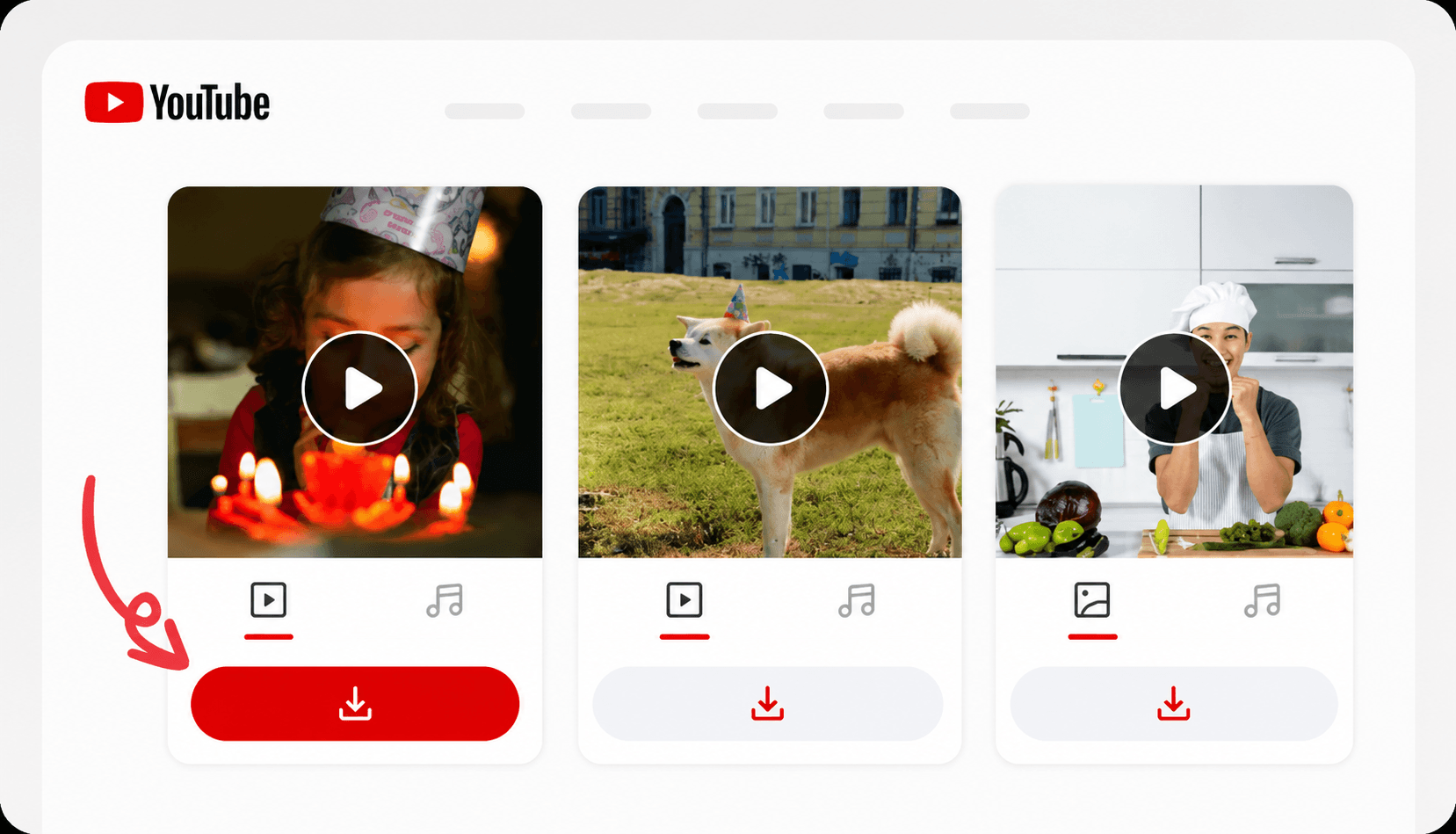
Save Your File
Choose your format and resolution, then download the MP4 or MP3 straight to your device.
Supported Formats and Quality
YouTube serves most long-form videos in several quality tiers. Pick the one that matches how you plan to use the file.
Exact availability depends on the original upload quality, stream type, and regional access policies.
Our YouTube video downloader saves any public YouTube video as an MP4 or extracts the audio as a high-bitrate MP3 in seconds. Paste the link from the watch page, the mobile share sheet, or any youtu.be short URL. The downloader handles them all without registration or installs.
YouTube hosts content in resolutions all the way up to 4K. Our tool detects every available stream and lets you pick the resolution that matches your device, your storage, and your bandwidth. Audio-only extraction grabs the cleanest source track YouTube exposes, so your MP3 sounds like the original recording.
Downloads stream straight to your device through an encrypted connection. We do not log the videos you save, we do not insert ads, and we do not stamp anything onto the file. The MP4 you end up with is identical to what YouTube serves to its own player, ready to watch offline, edit, or archive.
From a single watch URL the tool reads every stream YouTube exposes (progressive and adaptive, video and audio) and surfaces the ones worth keeping. You can grab a crisp 1080p copy of a tutorial for offline study, pull a lightweight 360p version to save data on the move, or strip out just the audio for a podcast clip, all from the same paste. There are no account links, no browser extensions, and no ads injected into your file.
Whether you are an educator archiving a lecture, a creator cutting Shorts from long-form footage, or a listener saving a song, the workflow never changes: paste the link, choose MP4 or MP3, and download. The file you receive is the original quality YouTube serves its own player, and the request is wiped from our servers the moment it reaches you: fast, private, and completely free. No matter how many videos you save, there are no daily limits and no premium tier, so every resolution and the MP3 option stay unlocked from the very first click.
Why Choose This YouTube Video Downloader
We built our YouTube video downloader to be fast, simple, and reliable. Here's why millions of users choose our tool every day.
HD & 4K Quality
Download YouTube videos in HD, Full HD, 2K, and 4K, whatever the source provides.
MP4 & MP3 Formats
Save videos as MP4 or extract the audio as a high-bitrate MP3 in a single click.
Fast Downloads
Our powerful servers ensure super-fast downloads in just a few seconds.
Safe & Secure
Your privacy is our priority. We don't store any videos you download.
No Ads, No Watermark
Clean files with no injected ads, branding, or watermarks of any kind.
Works on All Devices
Use our downloader on mobile, tablet, or desktop. Any device, any time.
No Login Required
No sign-up or login needed. Just paste the link and download.
100% Free
Our YouTube video downloader is completely free. No hidden charges.
Popular Use Cases
However you work with video, a quick, clean download is the first step.
Educators
Save lectures and tutorials
Keep helpful explainers, lectures, and webinar moments on hand for classroom notes and offline study.
Creators
Pull source clips for Shorts
Download long-form videos and trim the best moments into short-form teasers for Reels, Shorts, and TikTok.
Podcasters
Capture video and audio
Grab both the visual stream and the MP3 audio track for clipping, transcription, and multi-platform publishing.
Teams
Archive reference footage
Preserve public campaign and product videos for reports, reviews, and future creative reference.
Optimization playbook
Pro Tips
Use these long-form YouTube workflows to improve quality retention and editing efficiency.
- 1
Grab the highest available resolution before you start cutting. You can downscale later, but you cannot add detail back.
- 2
Need just the sound? Switch to MP3 mode to build podcast clips and transcript pipelines without the video overhead.
- 3
Note the timestamps of the moments you care about while you watch, so editing later is faster.
- 4
Keep one master copy and export platform-specific versions once to avoid stacking up re-compression.
- 5
Name files with the topic, date, and project so your library stays searchable.
- 6
Check usage rights before reusing anyone else’s footage in your own content.
Common Issues and Solutions
Make sure the link is a public watch URL (not a private or members-only video), use the full youtube.com/watch or youtu.be link rather than a shortened redirect, and retry after a few seconds if YouTube is throttling requests.
We can only offer the resolutions YouTube actually provides for that upload. If 1080p or 4K is not shown, the source likely was not published at that resolution, or only an adaptive stream is available for it.
Some high-resolution streams store video and audio separately. Choose a standard MP4 option (which we merge for you) or download the MP3 track if you only need the audio.
Re-encode the clip to standard MP4 (H.264 + AAC) in any free editor, keep it under the destination platform’s size and length limits, and make sure you have the rights to repost it.
Browser Compatibility
Works on every modern browser and device. Because downloads are processed in the cloud, your experience stays the same on desktop and mobile.
No extension needed: there is nothing to install.
- Chrome
- Firefox
- Safari
- Edge
- Opera
- iOS Safari
- Chrome for Android
- Samsung Internet
- Modern Android browsers
Privacy, Security and Compliance
Your privacy comes first
We only work with publicly accessible content and keep a strict no-storage policy. Your files are never retained on our servers after the download finishes.
Secure by design
Every request travels over an encrypted SSL/TLS connection, and we never ask for your YouTube login or any account credentials.
Use it responsibly
This tool is meant for personal use and for content you own or have permission to download. You are responsible for following copyright law and YouTube’s Terms of Service.
More tools
Download Videos from Other Platforms
You can also download videos from other popular platforms using our free tools:
Respect copyright. Only download or back up content you are authorized to keep. No infringement or illegal use. By using this service, you agree to the Terms of Service.
Got questions?
Frequently Asked Questions
Yes. The downloader is free for unlimited use, with no signup, no daily limits, and no premium tier. Paste any YouTube link and the file downloads to your device.
Yes. Whenever YouTube provides HD, Full HD, 2K, or 4K streams for a video, we expose those resolutions in the download options. We always offer the best quality the source provides.
Yes. Switch to audio mode before downloading and the highest-quality audio stream is extracted and saved as an MP3, perfect for music, podcasts, lectures, or interviews.
No. The downloader runs entirely in your browser. There is nothing to install: no app, no Chrome extension, no desktop client. It works on every modern browser.
Tap the share icon under any YouTube video, copy the link, paste it into our downloader from your mobile browser, and tap Download. The file is saved straight to your device.
No. We only support publicly accessible YouTube videos. Age-restricted, members-only, and private uploads require account credentials that we never ask for.
Videos download as MP4 for maximum compatibility across devices and editors, and audio can be saved as a high-bitrate MP3. The exact resolutions on offer depend on the formats YouTube exposes for that specific video.
The most common reasons are that the link points to a private, deleted, members-only, or region-locked video, or that YouTube is temporarily throttling requests. Make sure the URL is a public watch link and try again in a moment.
No. We hand you the original source stream YouTube serves to its own player, so picking the highest available resolution gives you a file with no extra re-compression added by us.
Only if you own the content or have the creator's permission. Downloads are intended for personal use, offline viewing, and backing up videos you have the right to keep; always respect copyright and YouTube's Terms of Service.